





Maintaining a property takes a ton of work.
And if not handled right, repair costs can eat into your profits– big time.
But property tech is quickly advancing. In 2026, you don't need a clipboard and a digital camera to document unit conditions. A variety of property inspection apps are helping property managers and landlords stay on top of maintenance, automate work orders, and avoid potential issues.
If you're a property manager or landlord looking for help getting your regular property inspections done in less time and with less hassle, read on.
Below, you'll find everything you need to know about what inspection apps offer, how to choose between a standalone tool or an all-in-one platform, and the top options available today.
Key Takeaways
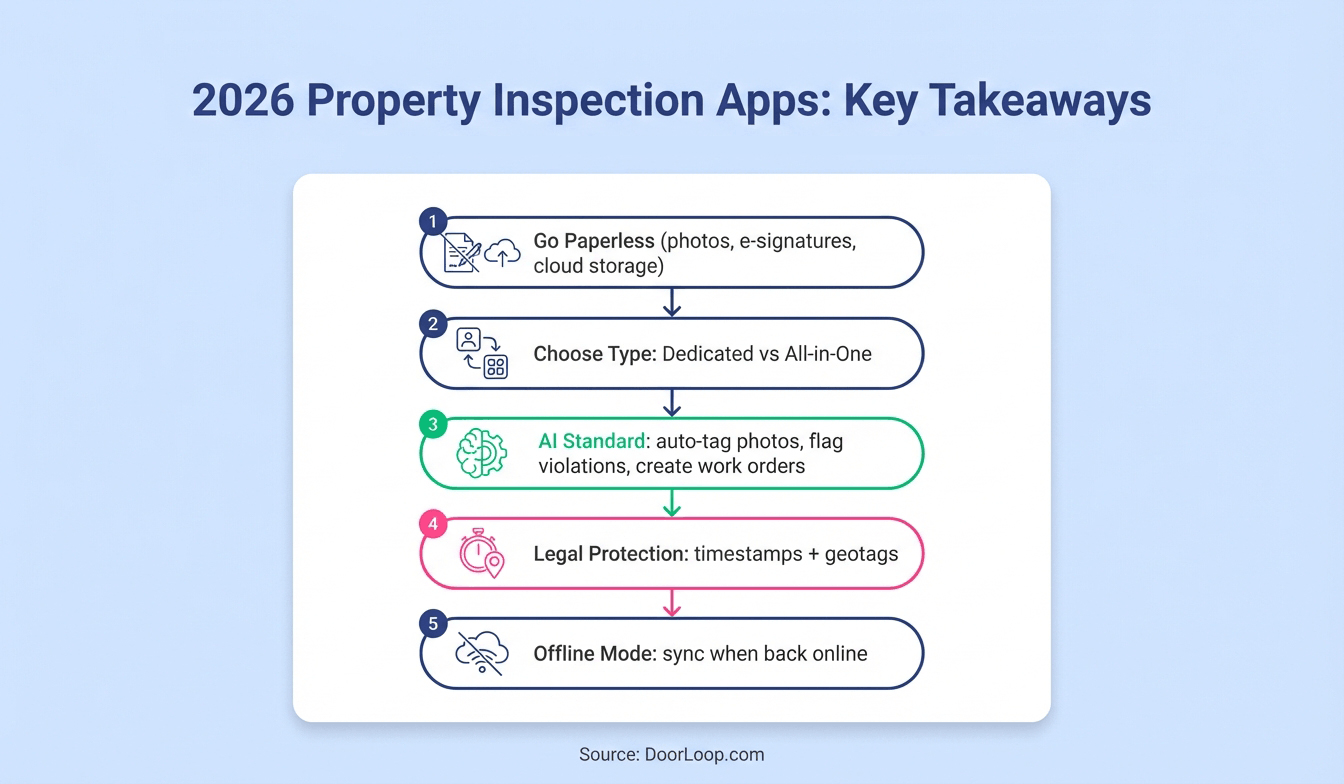
- Go Paperless: Modern inspection apps digitize the entire process, allowing for photo uploads, e-signatures, and cloud storage.
- Two Main Types: You can choose between dedicated inspection apps (focus solely on reporting) or all-in-one software (connects inspections to accounting and maintenance).
- AI is the Standard: The best apps in 2026 use AI to auto-tag photos, flag lease violations, and generate work orders instantly.
- Legal Protection: Digital reports with timestamps and geolocated photos provide stronger evidence in security deposit disputes.
- Offline Mode Matters: Ensure your chosen app works without cellular service, syncing data once you return to connectivity.
Quick Answer for Busy Property Managers
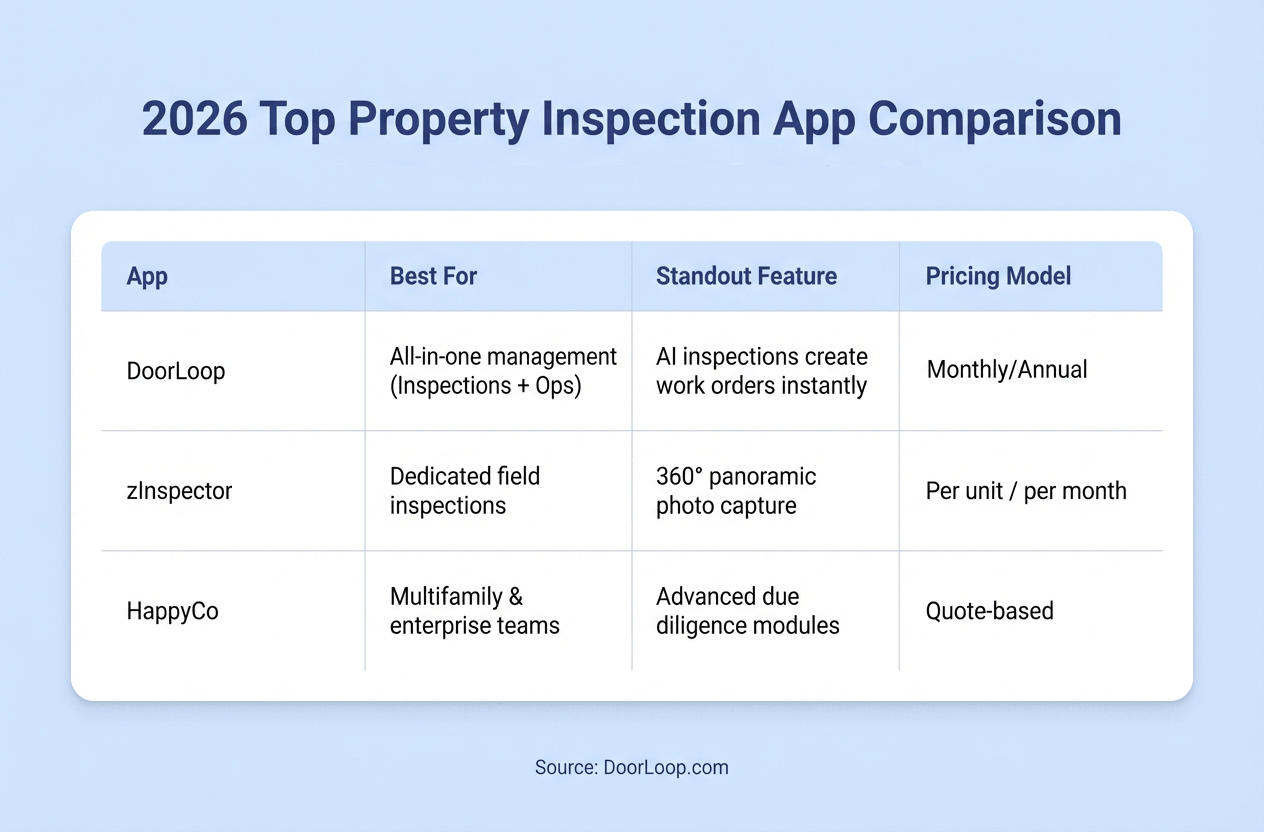
If you are looking for a quick comparison to decide which route is best for your portfolio, here is how the top options stack up.
What are property inspection apps?
Property inspection apps are software tools that turn the chaos of property walkthroughs into standardized, digital workflows, often as part of a rental property management software.
Accessed via smartphone or tablet, they allow property managers to complete move-in, move-out, and routine inspections without paper.
Typically, they allow you to inspect a property and generate professional inspection reports in minutes, simplifying the process greatly.
They eliminate the use of paper documents, including photos taken during the inspection process. Furthermore, you can record any repair or maintenance issues noted in a unit and indicate the party responsible for fixing them.
The inspection app will help you correlate your notes and pictures to the unit's current condition and determine if the tenant is liable for any fixes.
In addition, inspection apps allow you to conveniently manage inspections for multiple properties from a single centralized location, making everything easier.

Benefits of Using a Property Inspection App
Why switch from the trusty clipboard? Because digitization drives efficiency.
- Faster Turnovers: Instantly share reports with vendors to get work orders started immediately after a move-out.
- Fewer Disputes: High-resolution photos and timestamps make it difficult for tenants to dispute valid damage charges.
- Better Organization: Never lose a report again; everything is stored with online document storage and attached to the specific lease or unit.
- Standardization: Ensure every property manager on your team checks the exact same items every time.
Features to look for in a property inspection app
Depending on your use case and objectives, different property inspection apps will work better than others.
Some come with only the bare minimum features, which might work in some instances, while others have all the bell whistles that make managing your properties effortless and seamless.
Below are some of the features you'll likely want:
1. Customizable Templates and Checklists
The app has to be easy to use and it needs to offer a way for you to customize what line items you want to check during your inspection.
Ideally, you have access to templates or pre-filled pages that you can easily edit quickly without having to make your own from scratch. Whether it's a "Pet Damage Check" or a full "Move-Out Inspection," flexibility is key.
2. Photo Annotation and Unlimited Storage
Taking photos is standard. But the best apps allow you to draw on photos (circle the hole in the wall) and add specific notes to that image.
If the reports aren't comprehensive or don't display information well, it largely defeats the point of using one.
3. Smartphone/Tablet Compatible & Offline Mode
Having a property management app is a must for any type of inspection tool, and many teams prefer using one to keep everything in one place.
Ideally, for both Apple and Android smartphones in case you ever switch from what you use now.
Crucially, look for Offline Mode. Many basements and rural properties have poor cell reception. Your app must allow you to complete the full inspection offline and sync the data automatically once you reconnect to Wi-Fi.
The 3 Best Property Inspection Software
1. DoorLoop
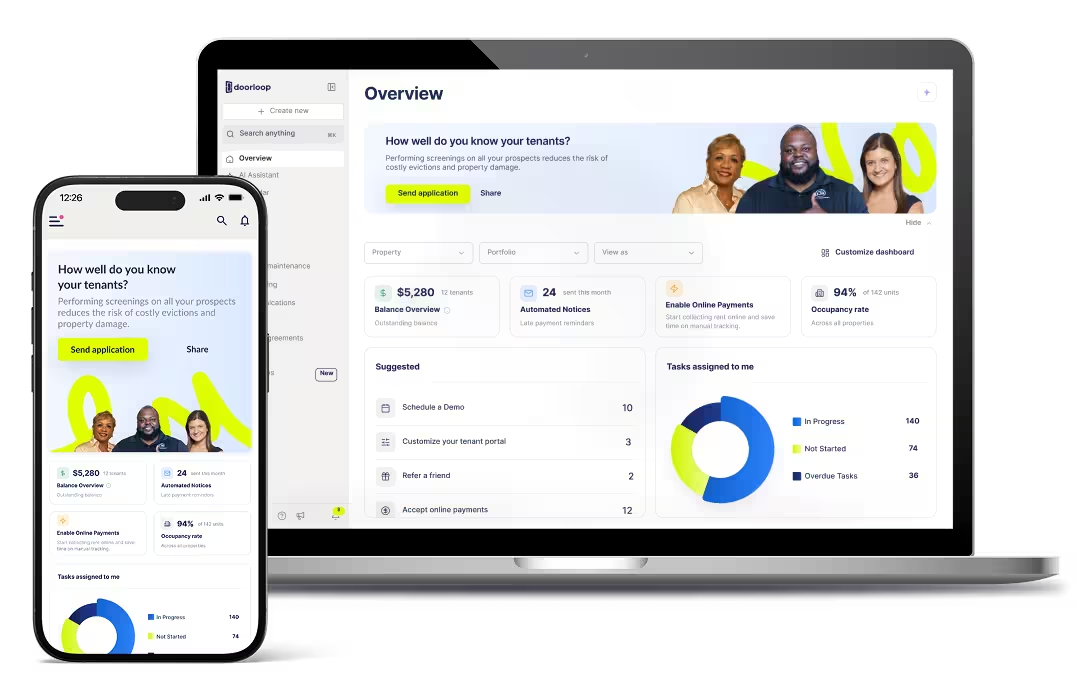
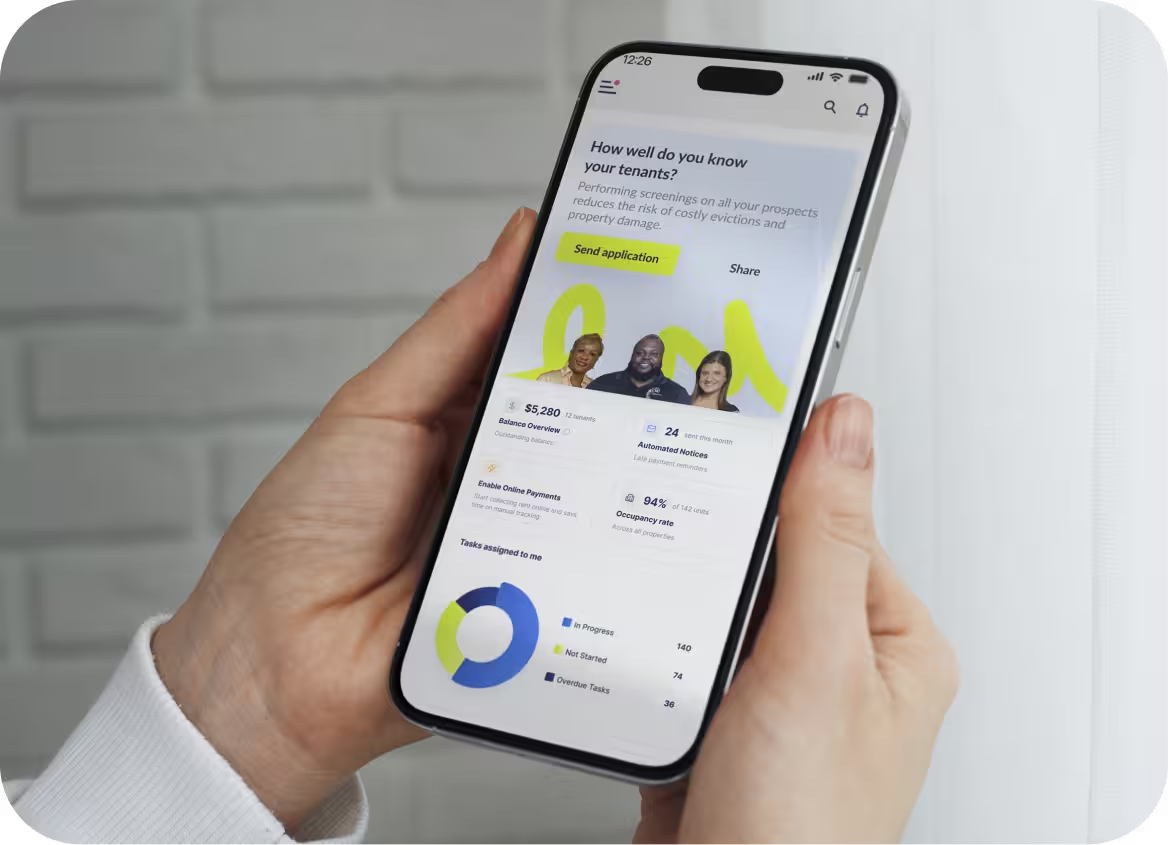
DoorLoop isn't just an inspection app; it's a complete software for property managers that turns inspections into action. With AI-Powered Inspections, you can drastically reduce inspection administration time.
Standout Features:
- AI Work Orders: The system creates work orders instantly based on the issues you flag during the inspection.
- Smart Reports: Automatically format professional reports with side-by-side move-in/move-out comparisons.
- Tenant Integration: Tenants can sign reports electronically directly through their portal.
All you need to do is take & upload pictures of the property, add your notes, and DoorLoop's AI will do the rest - creating reports and even work orders for your maintenance team & vendors.
Pricing: Schedule a demo to get a custom quote for your portfolio.
2. zInspector

One of the best among the dedicated mobile inspection apps on the market, zInspector offers a desktop, tablet, and smartphone version.
It's designed specifically for field inspections and is known for its ability to capture 360-degree panoramic photos, giving you a complete view of a room in a single shot.
Pricing: zInspector typically offers a free plan for small portfolios, with paid plans charging on a per-unit basis.
3. HappyCo
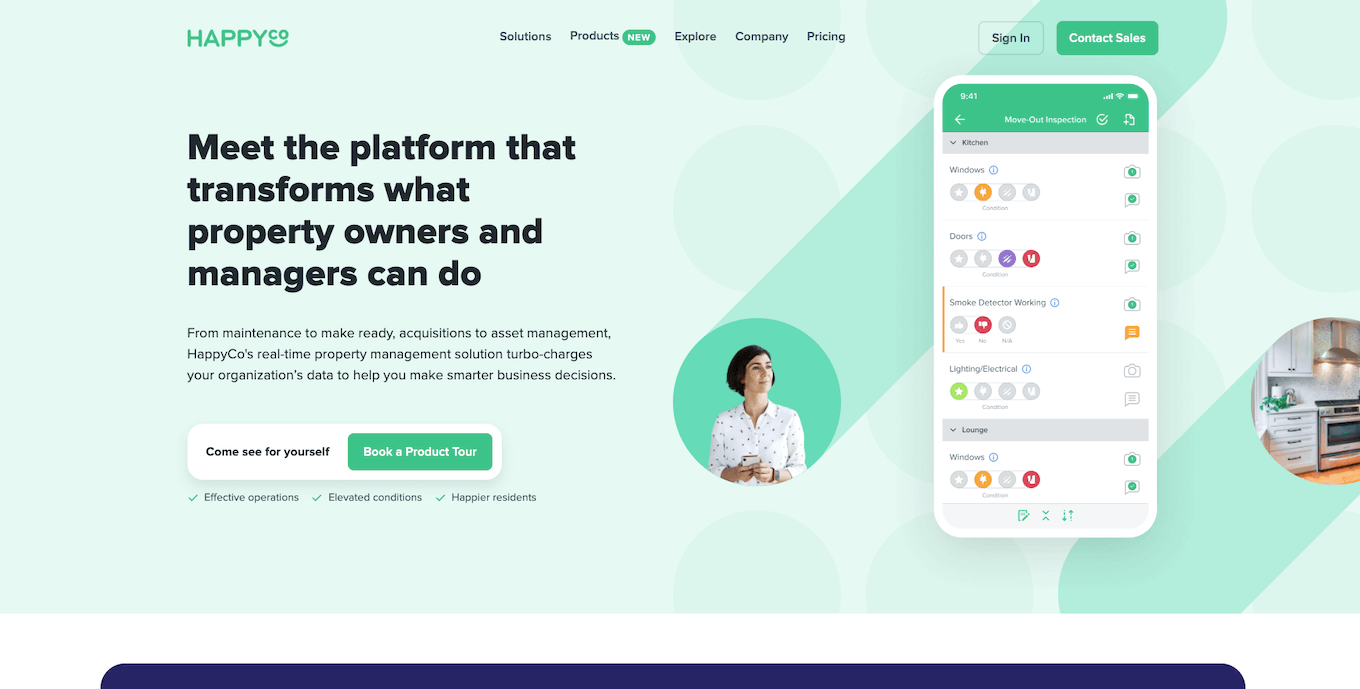
HappyCo is our final inspection app, offering a sleek modern design that is popular with large multifamily communities and enterprise teams.
Where it differs is in its list of features and pricing. It offers robust due diligence modules for asset acquisition and comprehensive remote inspection capabilities.
Pricing: HappyCo is generally quote-based and geared towards larger operators.
How to Choose a Property Management Inspection App
Not sure which one to pick? Use this checklist to narrow down your options:
- Integration vs. Standalone: Do you want your inspections to automatically update your property management accounting and maintenance software, including a QuickBooks integration, or do you mainly need a PDF report?
- Offline Capability: Does the app work flawlessly when you are in a basement or a rural area with no signal?
- Tenant Self-Service: Can you send a link to a tenant to perform a move-in inspection themselves via their phone?
- Defensibility: Does the report include geotags and timestamps on photos to protect you in court?
Who These Apps Are Best For
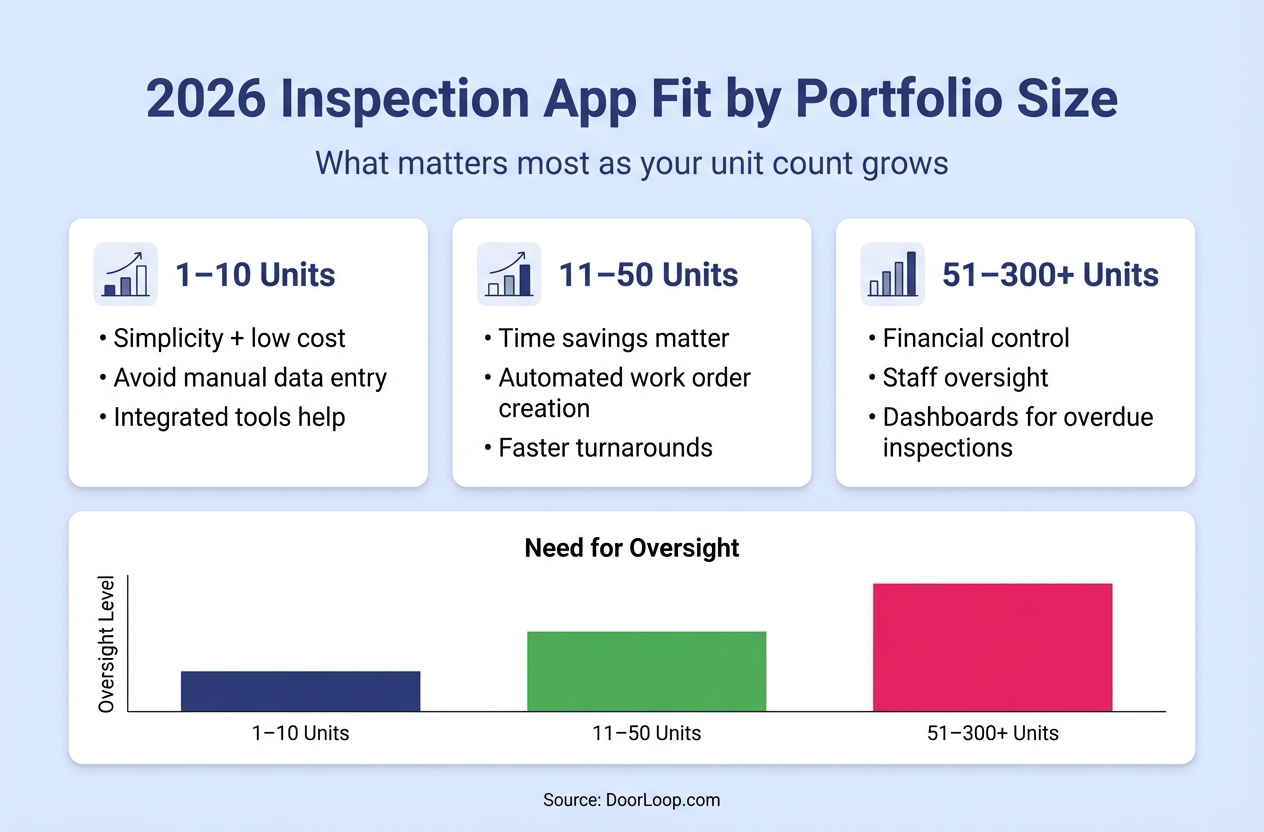
- 1–10 Units: You prioritize simplicity and low cost. Integrated tools help you avoid data entry.
- 11–50 Units: You need time savings. Automated work order creation from inspections becomes a game-changer here.
- 51–300+ Units: You need financial control and staff oversight. Look for apps with dashboards that show which inspections are overdue across your team.
Make all your property maintenance easier with DoorLoop
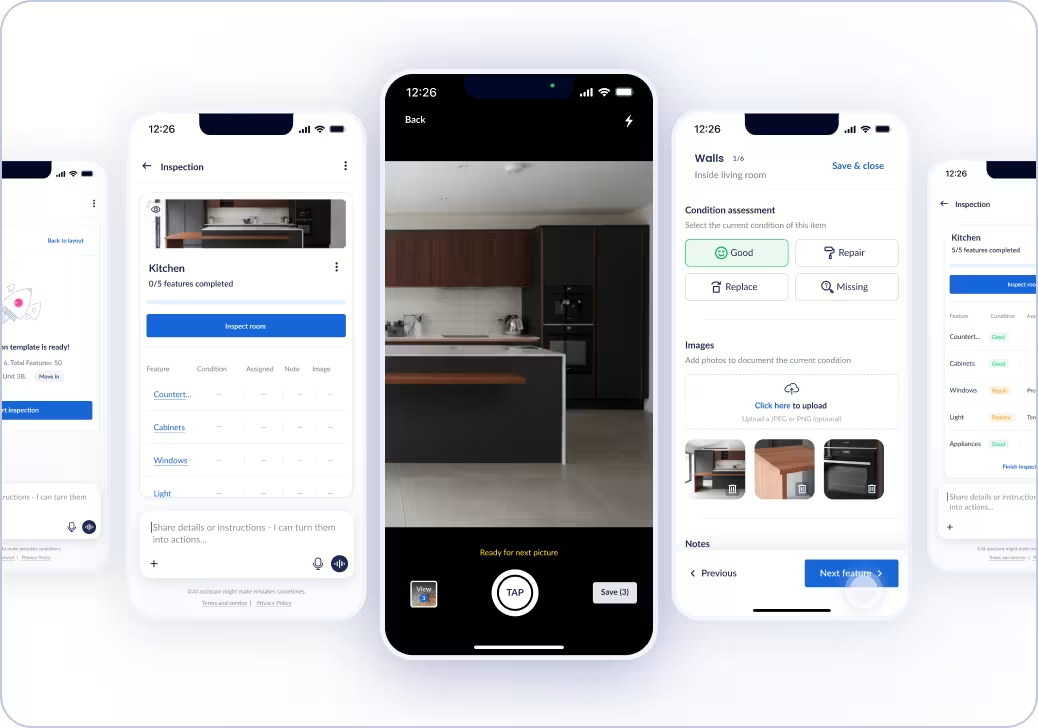
Property maintenance, from preventative maintenance to managing work orders, takes a lot of work.
However, with the right processes and tools—such as any one of the mobile inspection apps we listed here and broader property operations tools—you can make that whole process a little bit easier.
To take things to a completely different level, though, you can bring the same level of efficiency and streamlining to everything you do with DoorLoop's all-in-one property management software, which allows you to:
- Keep all your tenant's information from one convenient, central location
- Manage all your maintenance requests and work orders from one dashboard
- Receive maintenance requests from tenants straight from the app
- Assign to vendors, communicate with tenants, and pay out vendors
- Manage workflows to easily maintain a regular maintenance schedule
- And much more
Schedule a free demo to see what DoorLoop can do for your property maintenance and management today.
Frequently Asked Questions