
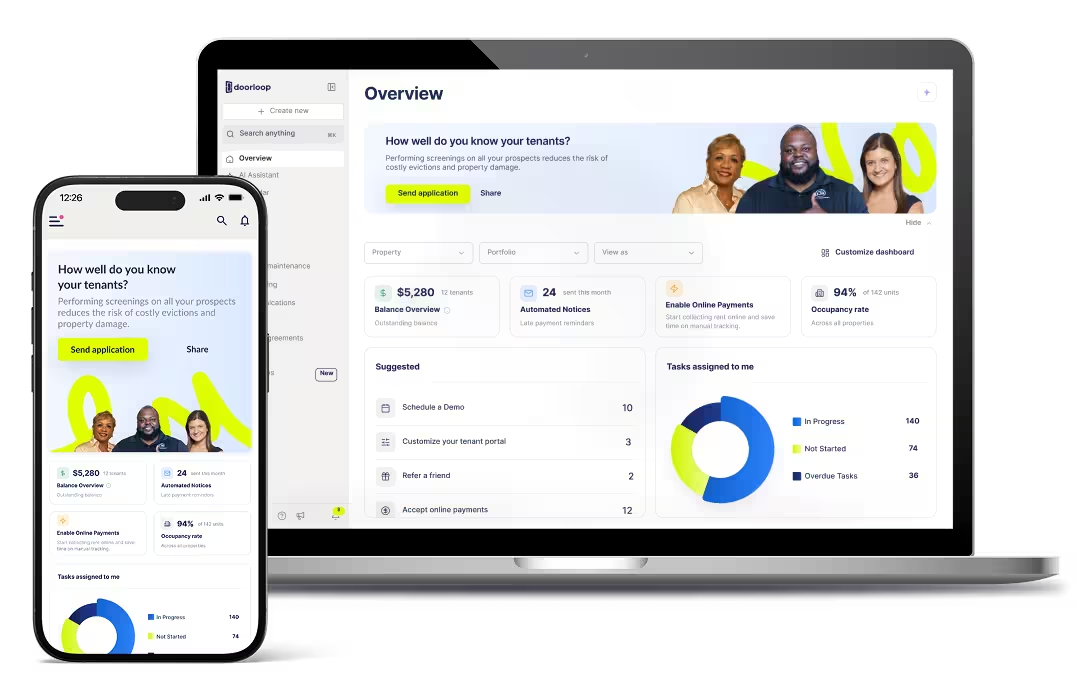

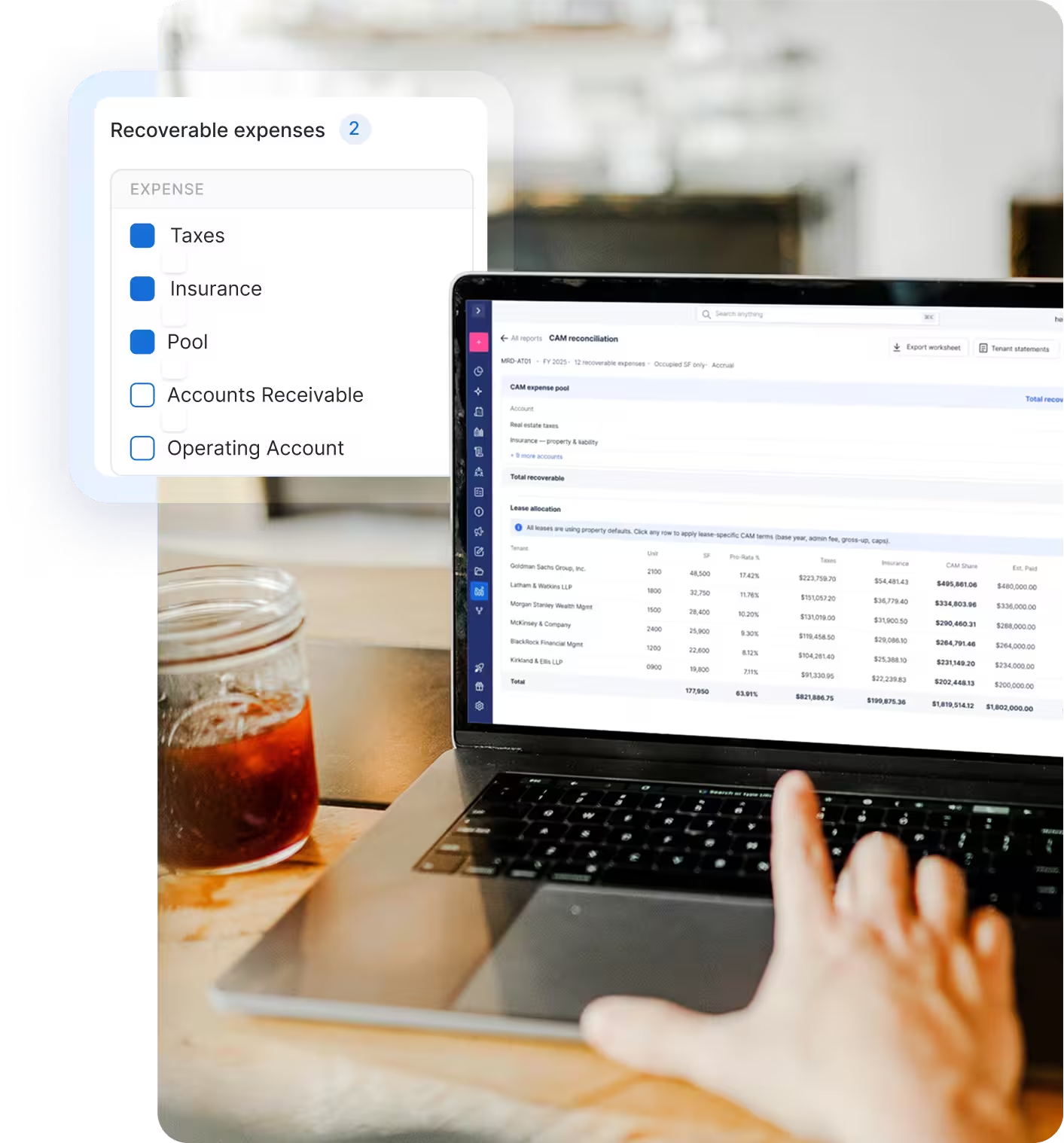
Year-end CAM reconciliation in minutes, not hours.
Pull actual operating expenses from your P&L, calculate each tenant's pro-rata share, and export tenant statement PDFs with true-ups, all in one screen.


Why DoorLoop?
Surprisingly simple
Set up in days, not months. Run your first CAM reconciliation the same week, no spreadsheet math required.
Secure & trusted
Bank-grade security with full audit trails. Defend every number with confidence to tenants, owners, and auditors.
Built for growth
Built to scale from one commercial property to hundreds, without adding operational overhead.
Everything you need for year-end CAM reconciliation
From pulling actuals out of your P&L to sending tenant statement PDFs, DoorLoop handles the math, the customization, and the exports, so you can reconcile in minutes, not days.
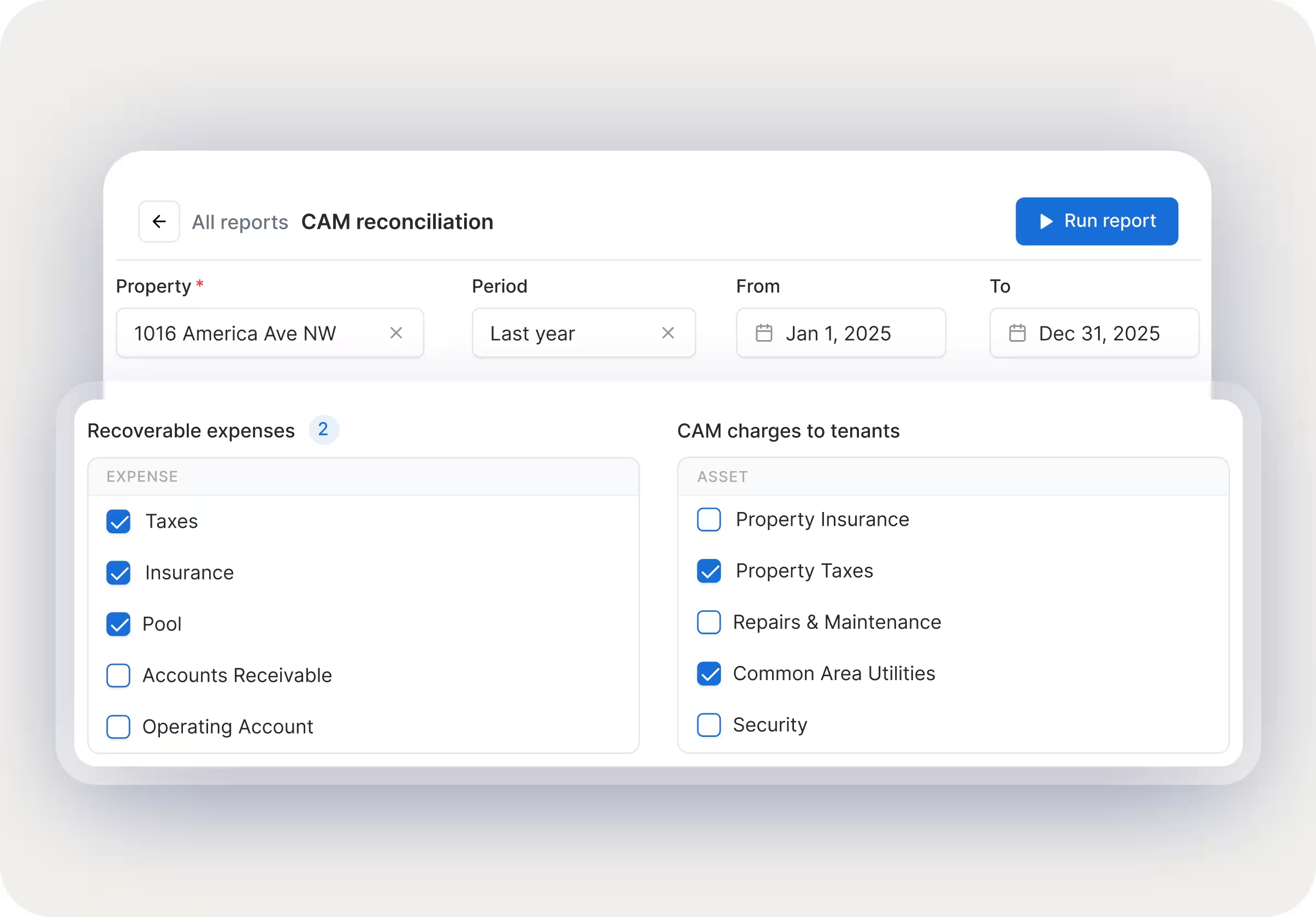
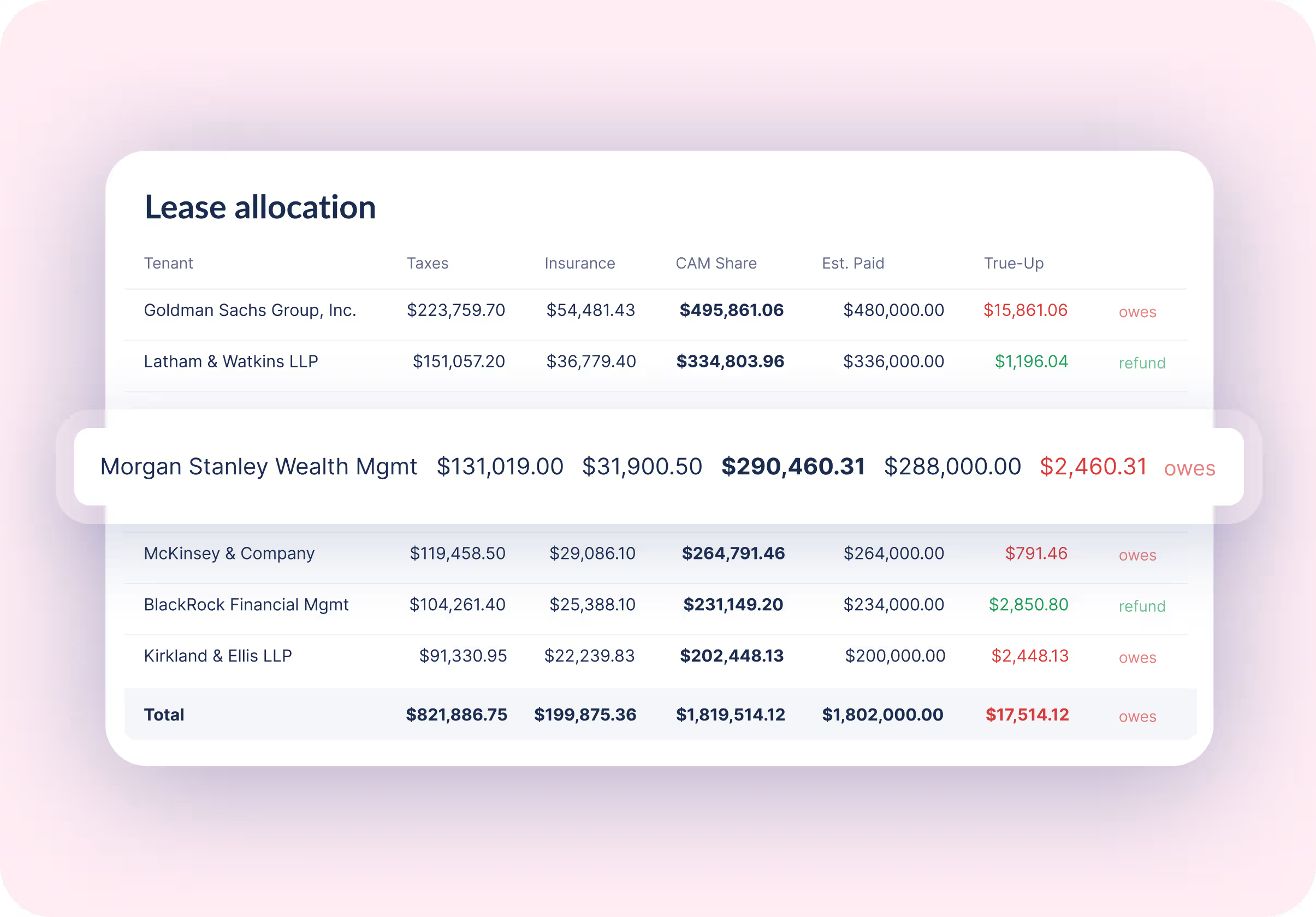
Pro-rata math, done automatically
Every tenant's share, calculated for you. Admin fees, base year stops, gross-ups, and exclusions apply per lease. Color-coded true-ups make it obvious at a glance.
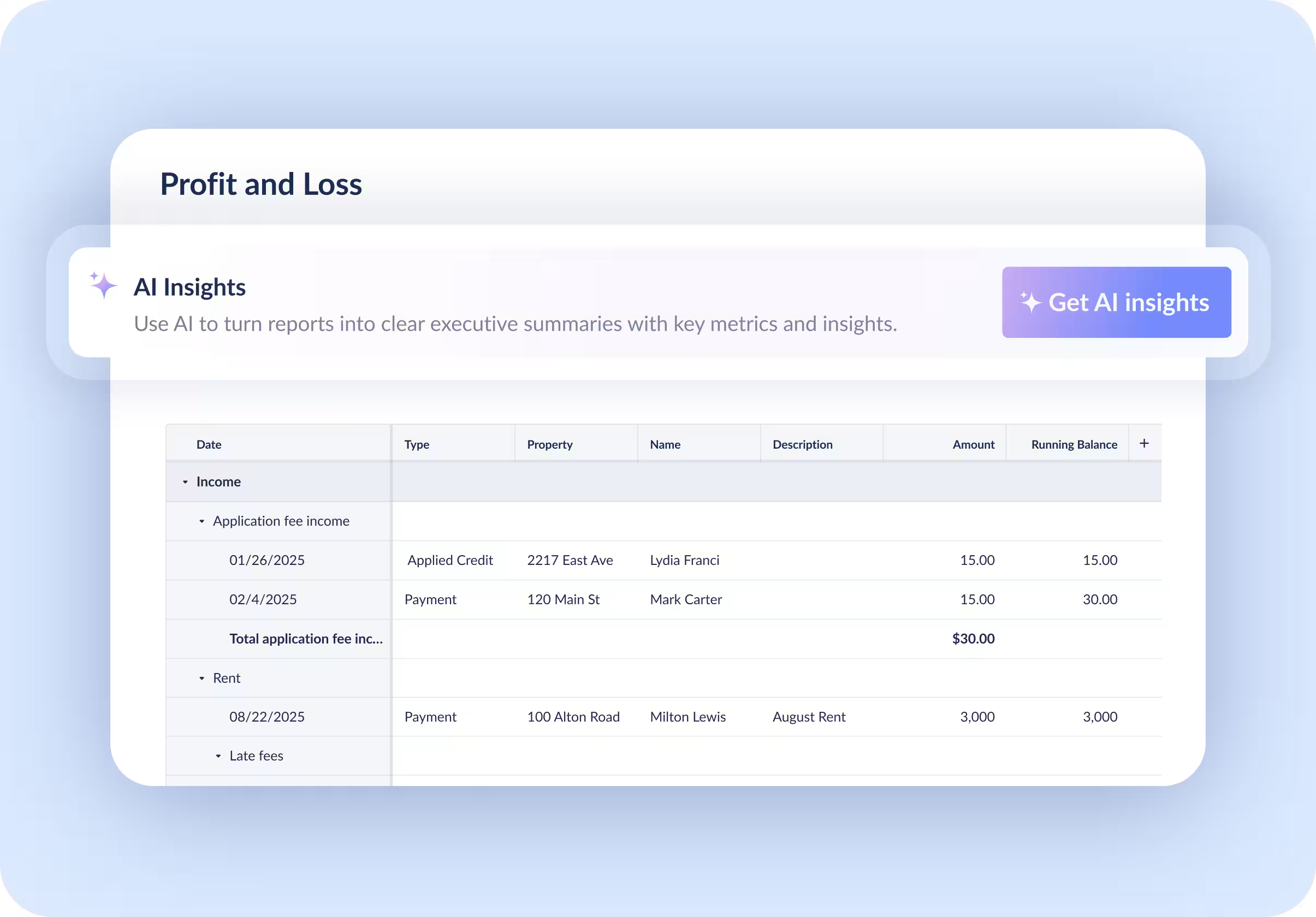
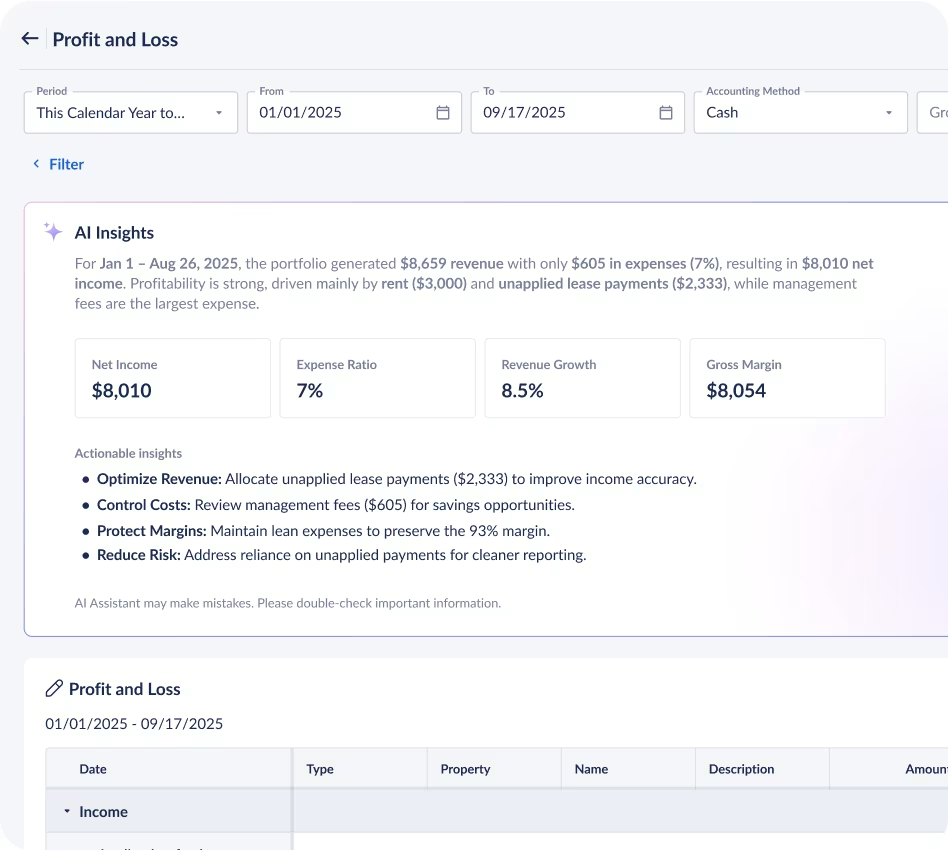
Actuals pulled from your P&L
DoorLoop reads your Profit and Loss for the property and date range, finds actual operating costs by expense account, and feeds them into the reconciliation. No double entry. No CSV exports.
Per-lease customization that sticks
Not every lease is the same. Click any tenant to set fixed or pro-rata, base year stops, gross-ups, or admin fees. Settings save per property.
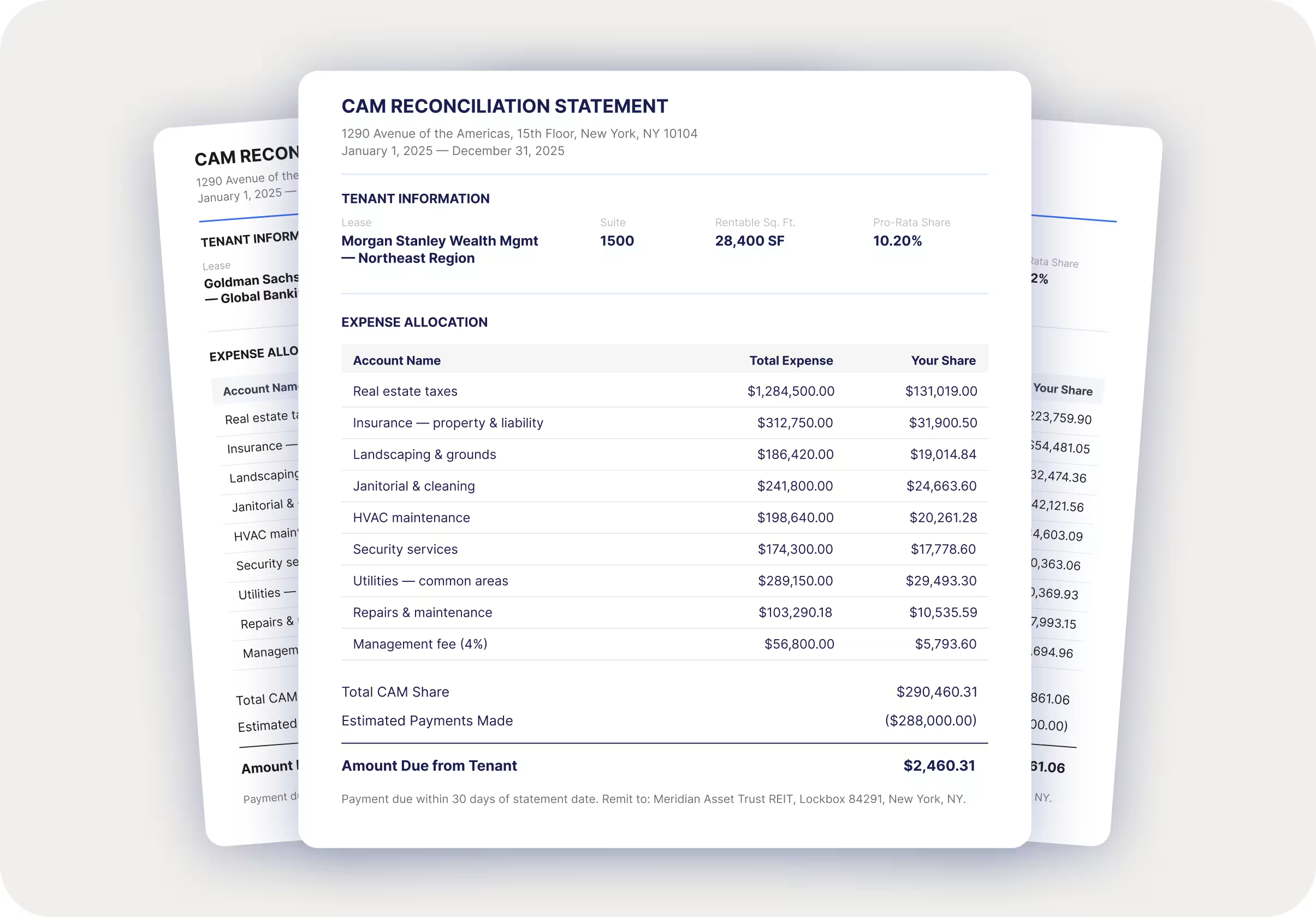
Tenant statement exports in 1 click
Export professional tenant statement PDFs or download the Excel worksheet for owners, records, or review.

CAM reconciliation, without spreadsheet work
Pull actual expenses, compare tenant payments, and review balances in one place.
The DoorLoop Effect
Delivering the features you need with the results you've been waiting for. Now that's smarter property management.
Faster Leasing

Time Saved Weekly

Higher Occupancy

Tenant Satisfaction

Hear from our customers



Your questions answered
What is CAM reconciliation?

How long does CAM reconciliation take in DoorLoop?
Can I customize CAM terms per lease?
When should I run CAM Reconciliation?
What does the CAM Reconciliation Report do?
Which plans include CAM Reconciliation?
Can I send tenant statements directly from DoorLoop?
Does CAM Reconciliation work for residential portfolios?
Explore more features
Discover additional tools and features that can streamline your property management workflow.

Resources & learning materials
Guides, webinars, and articles to help you get your property accounting right.


Serious about property management?
Save more time & manage more units. See if DoorLoop is the right fit.